What Are Managed IT Services?
Managed IT services are a proactive approach to technology management where a specialized provider — called a Managed Services Provider (MSP) — assumes responsibility for monitoring, maintaining, and securing your business's entire IT infrastructure. Instead of calling a technician when something breaks, your MSP prevents problems from happening in the first place.
This model replaces the outdated break-fix approach with continuous, comprehensive IT management delivered for a predictable monthly fee. Your business gets enterprise-grade IT support without the cost of building an internal IT department from scratch.
What Managed IT Services Include
A complete managed IT services program covers every layer of your technology environment. Here's what that looks like in practice:
- 24/7 monitoring and alerting: Continuous oversight of your servers, network, and endpoints to detect and resolve issues before they cause downtime
- Patch management: Regular updates to operating systems, applications, and firmware to close security vulnerabilities
- Cybersecurity: Firewall management, endpoint protection, email filtering, multi-factor authentication, and security awareness training
- Help desk support: Remote and on-site technical support for your team's daily technology needs
- Backup and disaster recovery: Automated data backups with tested recovery procedures
- Cloud management: Administration and optimization of your cloud platforms and applications
- Vendor management: Coordination with your technology vendors for licensing, support, and procurement
- Strategic planning: Regular technology reviews and roadmap planning aligned with your business objectives
Managed IT vs. Break-Fix: A Clear Winner
The traditional break-fix model — calling an IT company only when something stops working — seems cheaper on the surface. But the real costs tell a different story.
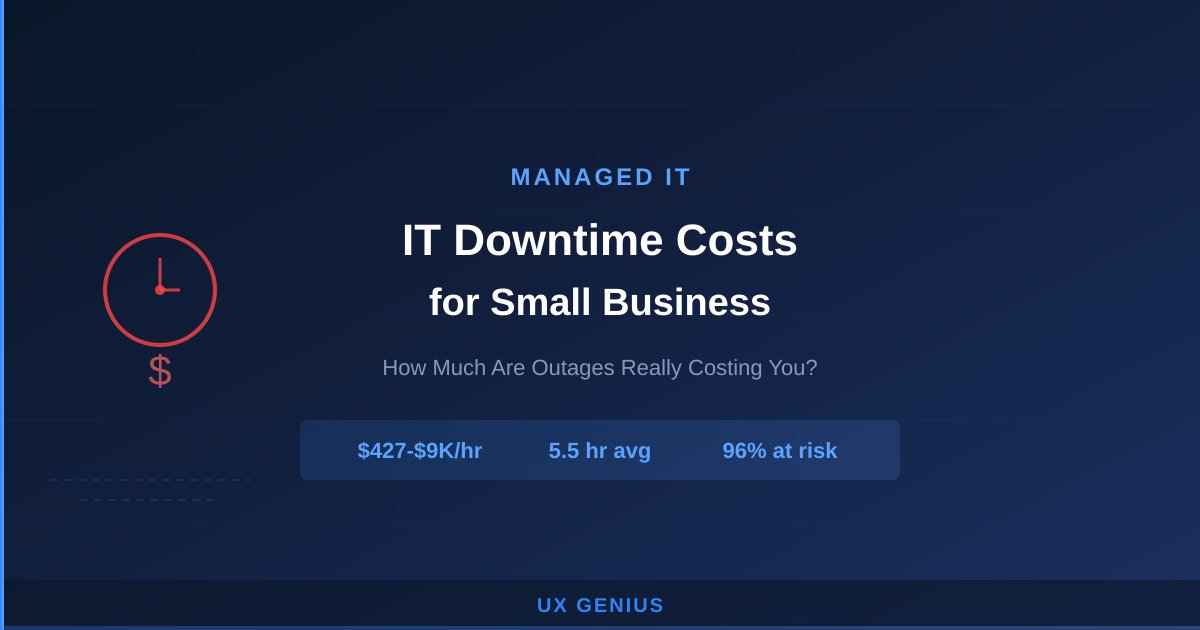
With break-fix support, you pay hourly rates that often exceed $150 per hour. Emergency calls cost even more. And every hour of downtime costs your business thousands in lost productivity. According to research by Gartner, the average cost of IT downtime is $5,600 per minute.
Managed IT services flip this equation. For a fixed monthly fee, you get proactive management that prevents most issues from occurring. When problems do arise, they're resolved quickly because your MSP already knows your environment inside and out. The result: lower total IT costs, less downtime, and a technology environment that actually supports your business goals.
Who Needs Managed IT Services?
Managed IT services make the most sense for businesses with 5 to 250 employees — large enough to need reliable technology, but not large enough to justify a fully staffed internal IT department. Common scenarios include:
- Growing businesses that have outgrown their ad-hoc IT arrangements and need professional-grade support
- Regulated industries like healthcare, finance, and government contracting that require compliant, auditable IT environments
- Businesses with remote workers who need secure, reliable access to company systems from anywhere
- Organizations hit by security incidents that realize they need better protection and faster response
- Companies tired of unpredictable IT costs that want budget certainty and better value from their technology investments
How Much Do Managed IT Services Cost?
Managed IT services are typically priced per user or per device, with monthly costs varying based on the level of service included. While that may sound like a significant investment, consider what you're replacing: the combined cost of internal IT salaries, break-fix invoices, downtime losses, and security incident remediation.
For most businesses, managed IT services cost less than hiring even one full-time IT employee — while providing a team of specialists with expertise across security, networking, cloud, and compliance. The predictability of monthly costs also makes budgeting straightforward, with no surprise invoices for emergency support.
Choosing the Right Managed IT Provider
Not all MSPs are created equal. When evaluating managed IT providers, consider these factors:
- Response time guarantees: Ask about their SLAs for response and resolution times — and get them in writing
- Security expertise: Your MSP is your first line of defense against cyber threats. Make sure they have deep security knowledge, not just basic networking skills
- Industry experience: A provider who understands your industry's compliance requirements and workflows will deliver better results faster
- Local presence: Some issues require on-site support. A local provider can be there when you need them
- Proactive approach: The best MSPs prevent problems, not just react to them. Ask about their monitoring tools, maintenance schedules, and strategic planning process
UX Genius: Your Managed IT Partner
UX Genius delivers comprehensive managed IT services to businesses throughout the DMV area. Based in McLean, Virginia, our team combines the technical depth of a large MSP with the personalized attention that only a local provider can offer.
We don't believe in one-size-fits-all solutions. Every engagement starts with a thorough assessment of your current environment, your pain points, and your goals. From there, we design a managed services plan that fits your business — not the other way around.
Whether you need full IT management, supplemental support for an internal team, or help with a specific project like a cloud migration or compliance initiative, we're ready to help. Schedule a free consultation or call (703) 540-7001 to get started.